Business Central upgrade
Your guide to upgrading without putting operations at risk
Most companies are postponing the upgrade to Business Central Online because they fear an unmanageable and time-consuming process. The wizard shows why that image won't last when the upgrade is approached correctly.
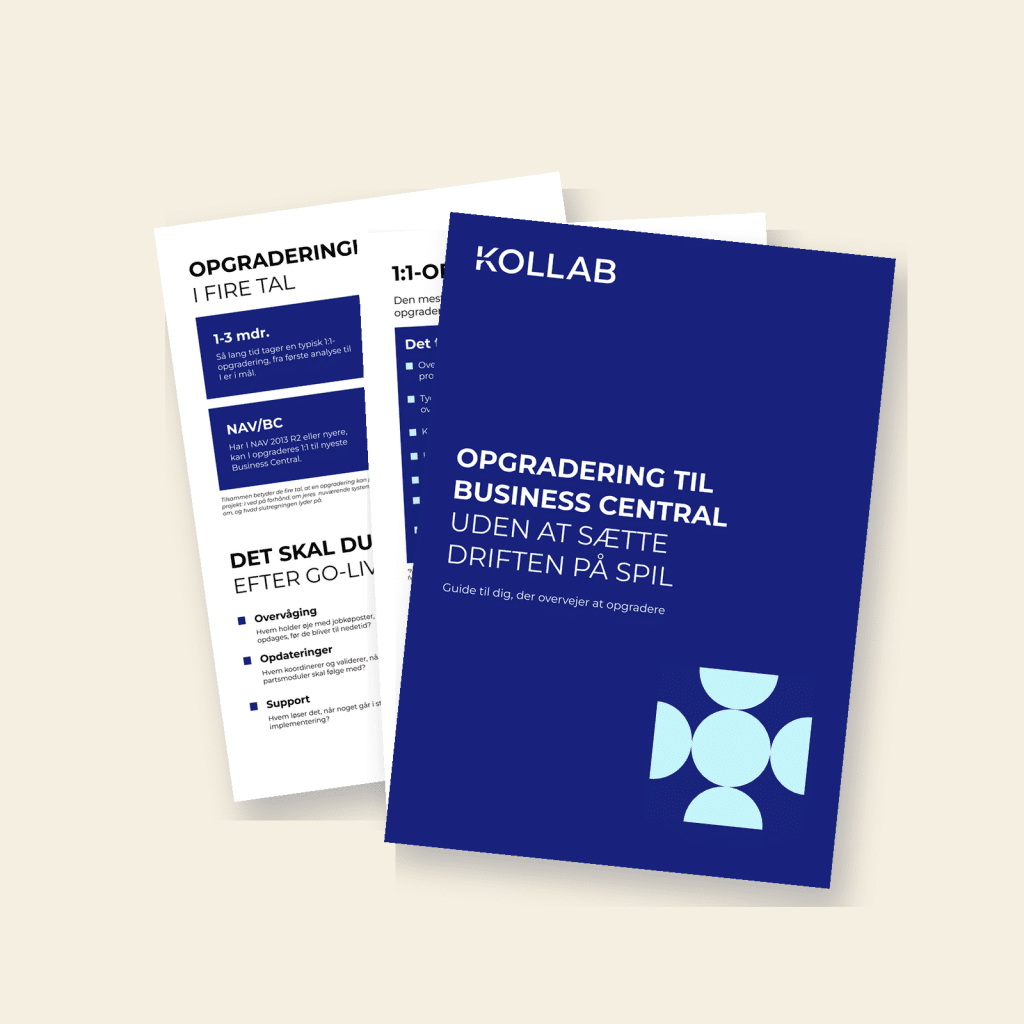
The guide brings it all together in 11 pages: time and step numbers, the choice between cloud and on-premises, the 1:1 model step by step and the experiences of two companies that have already done so.
You get that in the guide
- The upgrade in four numbers. Time consumption, steps, compatibility and budget security at a glance.
- Three reasons to upgrade now. And a self-test of your digital maturity.
- Cloud or on-premises. Advantages and points of attention of both ways and how you choose.
- The 1:1 upgrade model step by step. Six steps and when other paths make more sense.
- That's how others do it. The experience of two companies in upgrading without disrupting operations.
- A checklist you can use right away. Five questions you can decide for yourself before you go any further.